
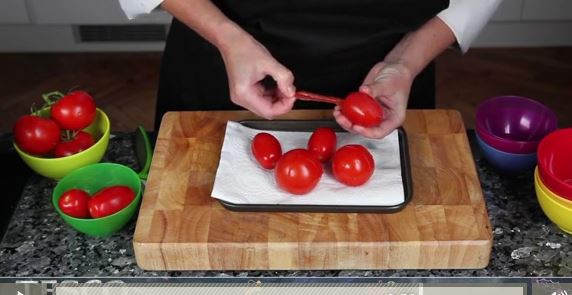
 We've created a new
feature that gives you access to 594 (and counting!) online
how-to demonstrations, including how to carve a duck, how to make homemade ricotta, how to make marshmallow fluff, and how to prepare and cook artichokes. Select
tutorials from cookbooks are indexed as well. And even
better, 127 of the tutorials have
videos.
We've created a new
feature that gives you access to 594 (and counting!) online
how-to demonstrations, including how to carve a duck, how to make homemade ricotta, how to make marshmallow fluff, and how to prepare and cook artichokes. Select
tutorials from cookbooks are indexed as well. And even
better, 127 of the tutorials have
videos.
To browse all of the how-to links, go to the Eat Your Books Recipes Library. Then, on the Filter By sidebar, click on Recipe Types, choose Misc., then click the plus sign (+) next to How-to. Check (tick) the box next to Online Recipes in the Show Only sidebar to limit the search to online sources. To see videos, check (tick) the Video Recipes filter. You can also perform a search first, then narrow the results to the tutorials following the same directions.
9 comments
ellabee
Rella
Even so,
Nothing happens when I click on "How-To" right or left click.
FuzzyChef
boardingace
cadfael
Rella
I followed your instructions, but after I Click "Misc" and it shows "How-to?"
But there is no way that I can click onto "How-to" nor does it show a plus or minus.
None of the other filter categories will work in that manner either.
ellabee
cadfael
Jane